Description
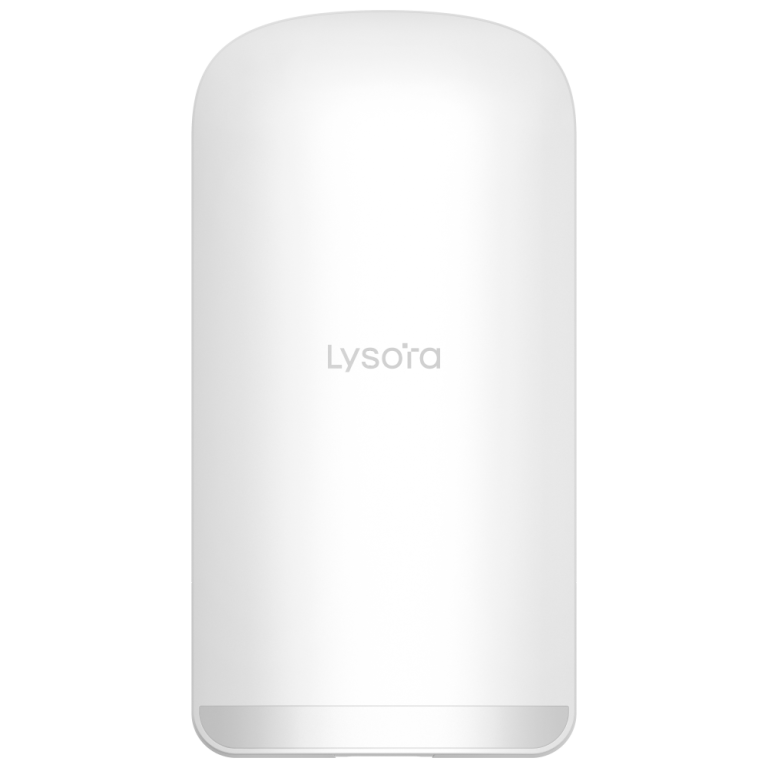
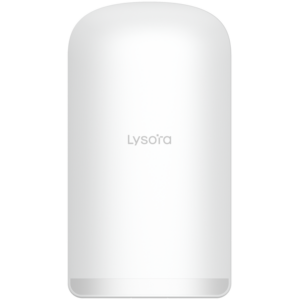
Lysora CPE3-P 5 GHz Outdoor Wireless Bridge
Extend a network to a remote camera point or outbuilding with the Lysora CPE3-P. Its 5 GHz bridge radio, 13 dBi directional antenna and three Fast Ethernet ports support focused outdoor links, with local web access and Lysora Cloud management.
Key Features
- 13 dBi directional antenna for focused 5 GHz links
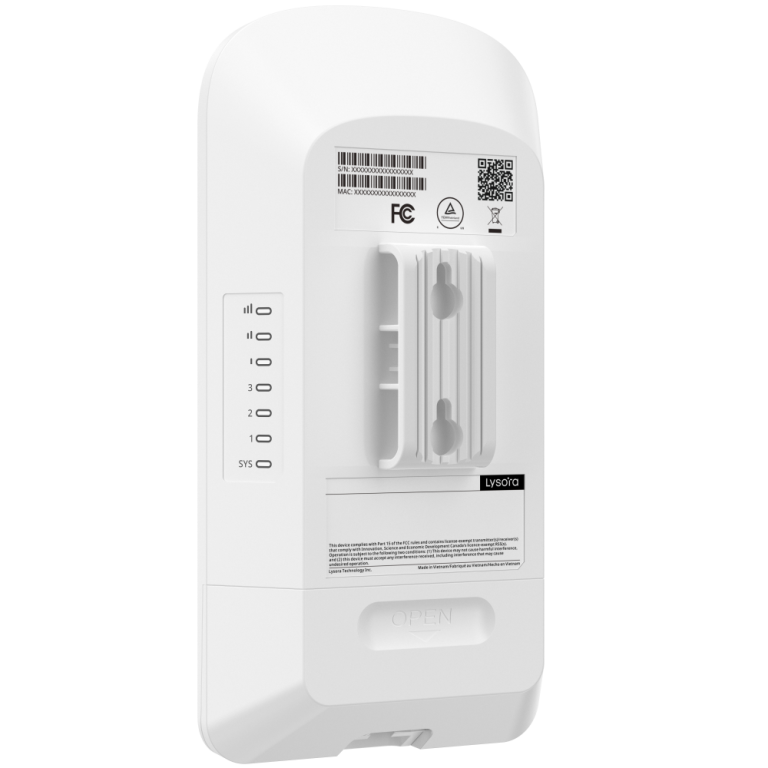
- Three Fast Ethernet ports
- Two PoE output ports with a shared 15.4 W budget under supported input power
- TDMA with up to five CPE clients
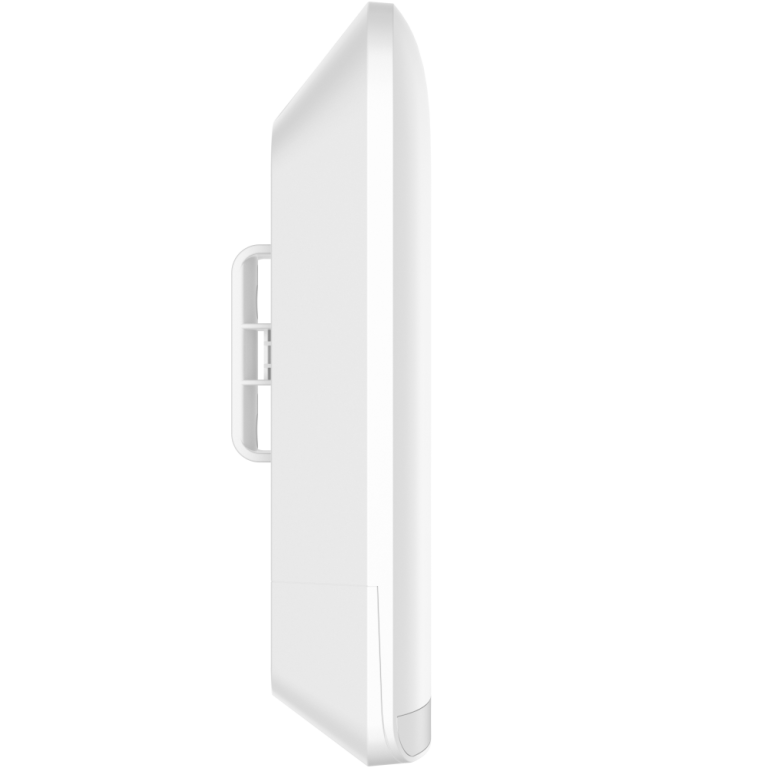
- IP55 housing with wall or pole mounting
- Local web and Lysora Cloud management
Designed For Your Network
Connect Remote Cameras. Carry camera traffic across an open site without a cable run between buildings. Two PoE output ports share a 15.4 W budget when the bridge receives a suitable power input.
Plan Around Real Capacity. The 867 Mbps figure describes the wireless link rate. Each Ethernet port is 100 Mbps, and the manufacturer lists lower bridge performance as distance increases, helping you size camera streams realistically.
Make Outdoor Setup Practical. Wall or pole mounting, an IP55 enclosure, antenna alignment and spectrum scanning support an orderly installation. Web and cloud tools provide convenient access for ongoing checks.
Installation And Power
- Plan the link with a clear line of sight and suitable clearance. Site conditions affect achievable range.
- Mount on a suitable wall or pole and use the antenna alignment and spectrum tools during setup.
- Wireless link rates are physical-layer maxima. Real throughput depends on range, channel width, interference, alignment and network load.
- Check the power source and connected device requirements before connecting passive PoE equipment.
Management And Resources
Access supported devices through Lysora Cloud or the Lysora Cloud mobile app. Available functions depend on the model and firmware. Use the Downloads tab for verified app and document links.
View Official CPE3-P Product Information
Downloads & Support
CPE3-P
Mobile App
Lysora Cloud
Device Updates
Firmware
Match the exact model, hardware revision and region before updating.
Documents
Product Documents
Use the exact model, hardware revision and region when selecting firmware or documents. The official Download Center may require sign-in; no individual firmware file is supplied here.
Need Help With This Product?
Only logged in customers who have purchased this product may leave a review.


Reviews
There are no reviews yet.